Change Region
You're on our English website. Change your region to see information for another location.

You're on our English website. Change your region to see information for another location.




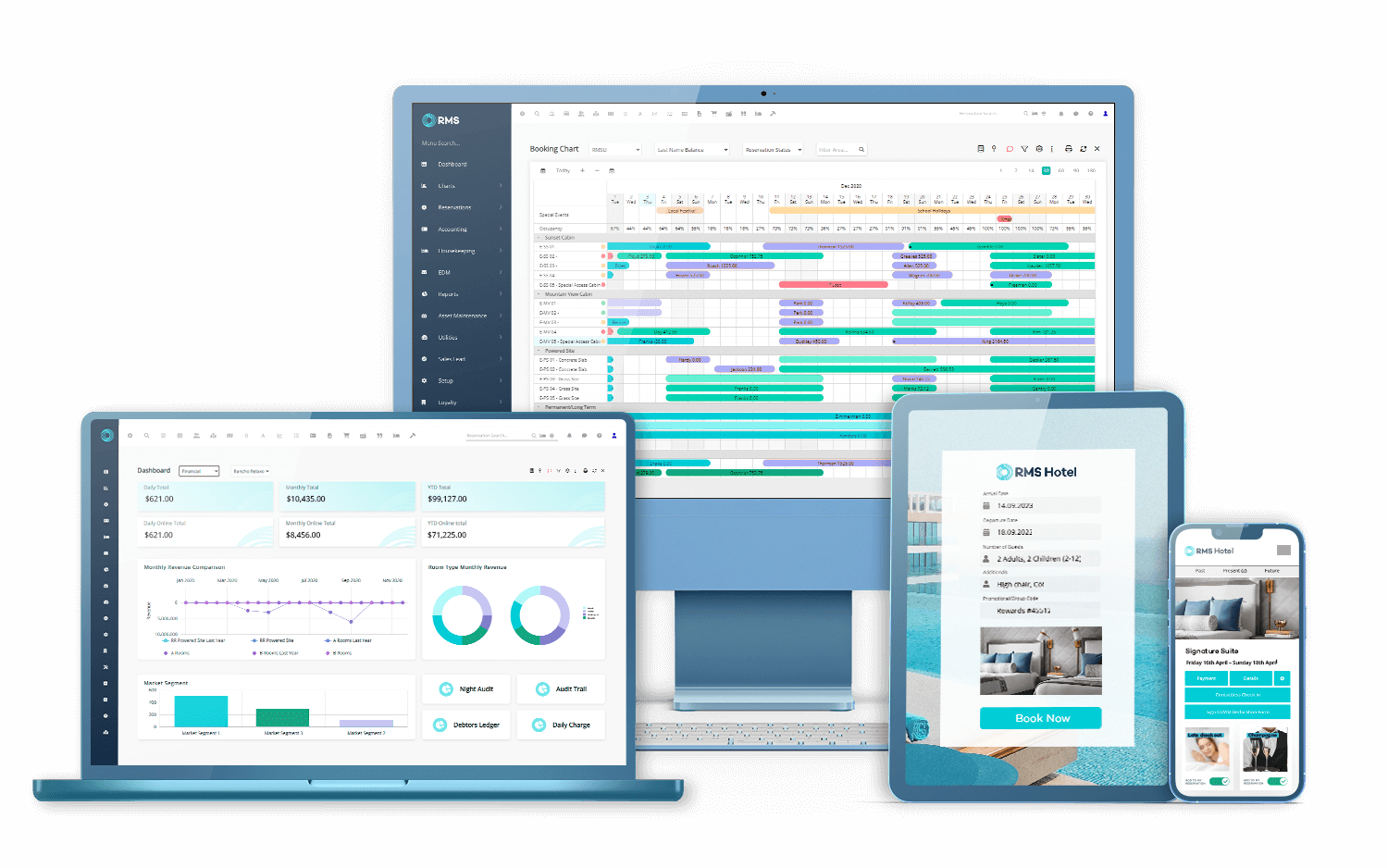
RMS delivers scalable, cloud technology trusted by more than 7,000 properties across 70 countries to manage, operate and grow the hospitality industry. As an innovative market leader for over 40 years, RMS has unparalleled expertise and insight on booking engines, check-in and check-out experiences, channel managers and front desk management. Our comprehensive suite of native features and broadening product offerings enables operators to increase revenue, streamline operations, and retain loyal customers. RMS Cloud is the all-in-one property management solution that is everything you will ever need to run a successful hospitality business.











/Case%20Study%20CLLIX%20Header_%20Feature%20Image.jpg)
Moving our technology platform to RMS Cloud has given us the scope and flexibility we need as the business continues to evolve.

Given the many features of this software, we are confident RMS is the best tool suited to drive our business forward.
We are not slowing down our development and have on-going construction of new facilities. We chose RMS as their platform can keep pace with our rapid scaling.
RMS' pre check-in has been hugely successful; guests can check-in online, pay their balances all from their mobile.
One sees the guest profile, reservation and account sections all in one screen, hence, no need to exit. That in itself allows the staff to be more engaged with the guest and save time.

Our partnership with RMS Cloud will absolutely deliver on this expectation and their innovative software will be crucial to all aspects of running our parks.

We are all about having an experience-based accomodation that is different in every way shape and form to a hotel. Every opportunity to be different, we are different.
The ease of which Annual Holiday Site Agreements and schedules are now processed through RMS has cut 90% of the time off of the process and made it so much simpler for the Annual Holiday Site guest to update and accept the new Agreement.
Things are changing all the time - you have to keep up with the times. This is why RMS has been the best partner for our park.
RMS has improved communication with our guests, improved visibility with our owners and given us more control on our inventory and pricing.
If you get the pillars of hospitality management right then everything flows from there. Your technology is paramount.
The built-in native channel manager within RMS has saved our revenue manager so much time!
Before the grand unveiling of RMSPAY, our manual payment process felt like a cumbersome anchor, dragging on our daily rhythm with its time-consuming nature. But now, get ready to experience a transformation like no other!
We have noticed improvements in a number of areas of the business since we started using RMS thanks to the enterprise database and transparency of information.
When we integrated RMS, it gave me the ability to cross-train employees and I only had to be fluent in one software platform.
Our guest-facing team is flying now, processing payments in under ten minutes with RMS Pay. Using the Vault and manually entering card numbers into the bank EFTPOS terminal used to take six times longer.
We changed to RMS to find a solution that could handle the large capacity and turnover of guests. RMS made that relatively easy, and what got me over the line was the communication tools through SMS and triggered correspondence.
As we expand, we need systems that are scalable and RMS's solution confidently meets this requirement.
15% for direct bookings across the parks wasn't great, so to see that grow to 30% on average across the parks is really satisfying

Everything we throw at RMS, it handles handle with ease.

We have been with RMS for 4 years now, and the ability to view all hotels from one interface has been a game changer that saves us time and money.
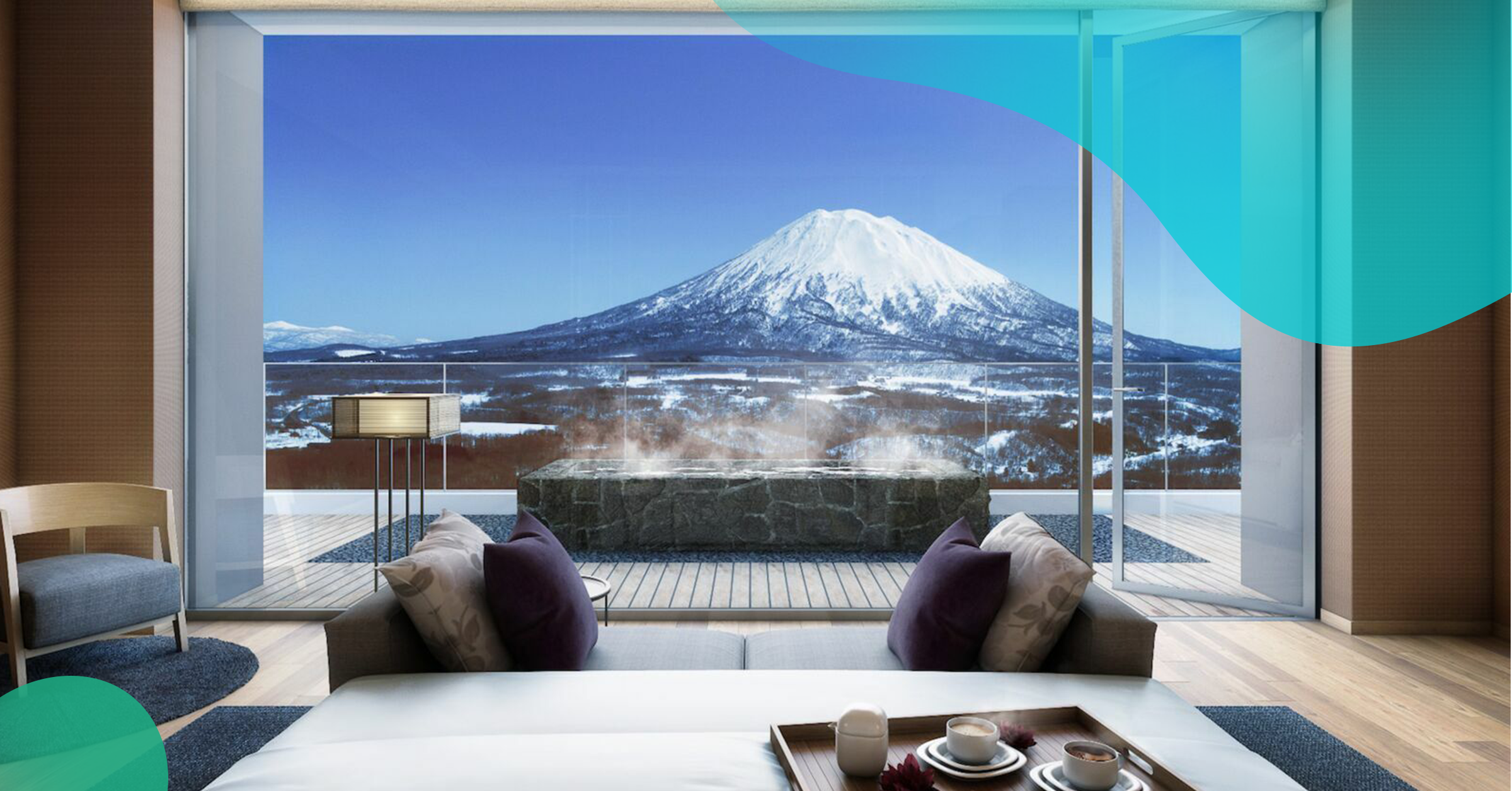
With Niseko's growing prominence as Asia's top ski destination, accessibility and connectivity, physically and digitally, are of high importance. The smart-room tablets and mobile app will allow us to have more meaningful digital interactions with guests.
RMS has simplified our operation, extended the latest PMS features and made it easy at very reasonable cost.
The engagement and level of understanding for our business was a key reason for choosing RMS.
More than ever, travellers are seeking a convenient and stress-free experience which extends through to their accommodation, and we are confident we will deliver on that with our new website, 24/7 online concierge, and hassle-free self-service technology.
RMS' smart technology delivers operational efficiencies and management capabilities for a reliable enterprise solution. Whether you are looking for a unified solution for multiple existing properties or looking to grow, RMS is built with an enterprise-enabled architecture that supports any business. RMS' agile software quickly responds to your business needs or growth strategies with advanced PMS software that is unmatchable.


.png)
.png)
.png)
.png)